You are invited to complete an interview using Manatal’s AI Interviewer. This is your opportunity to showcase your experience and personality at your convenience.
In English
In Spanish
Joining Your Interview
-
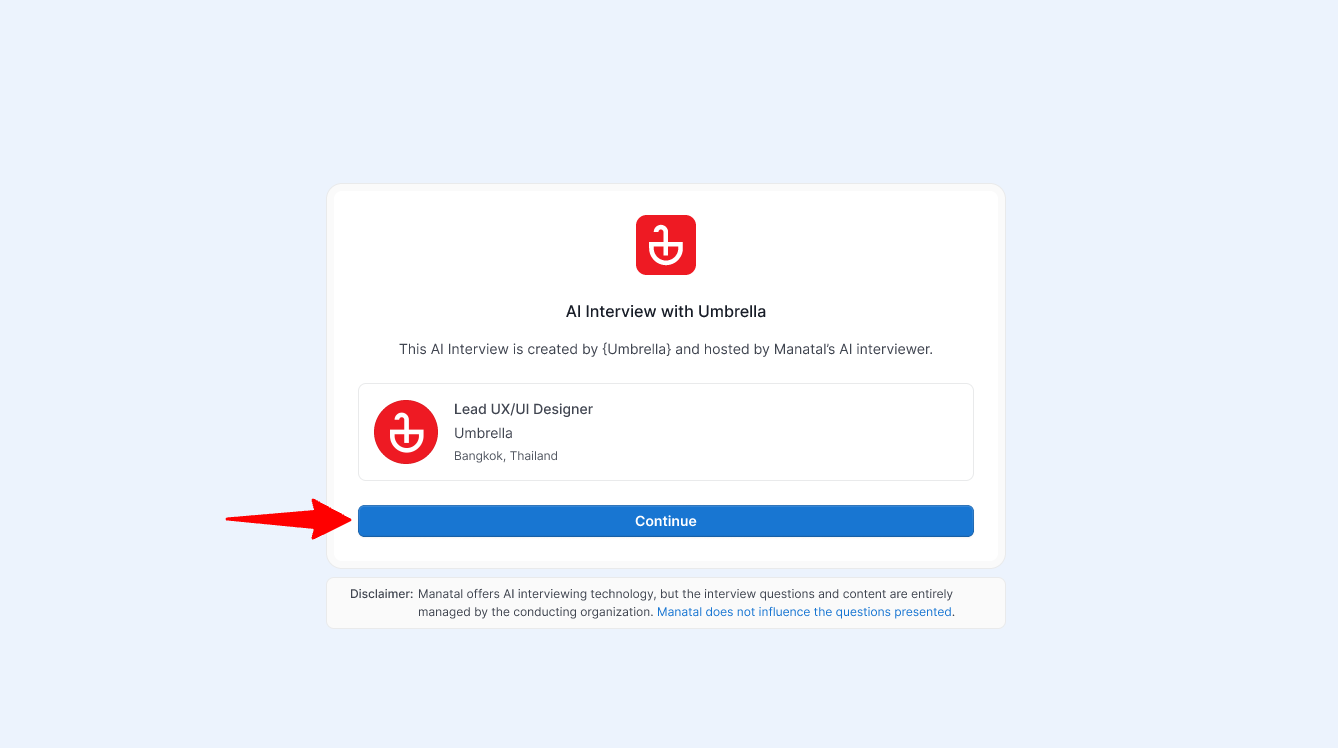
Your recruiter will send you an interview link. Click "Continue" to proceed. You can access this link at any time.
-
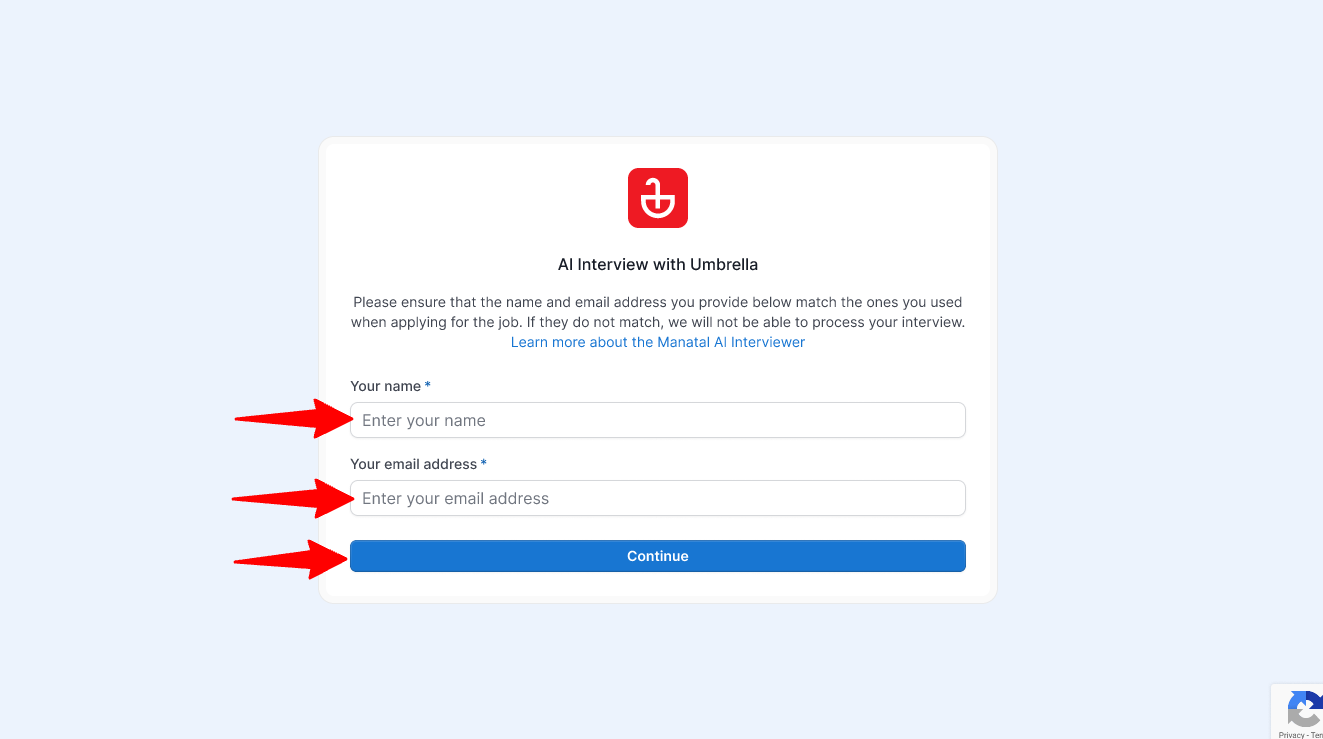
Provide your full name and email address. Then click "Continue".
NoteYou must use the same email address you provided during your application.
-
Choose a quiet, well-lit space where you can focus without distractions or background noise.
Checking Your Setup
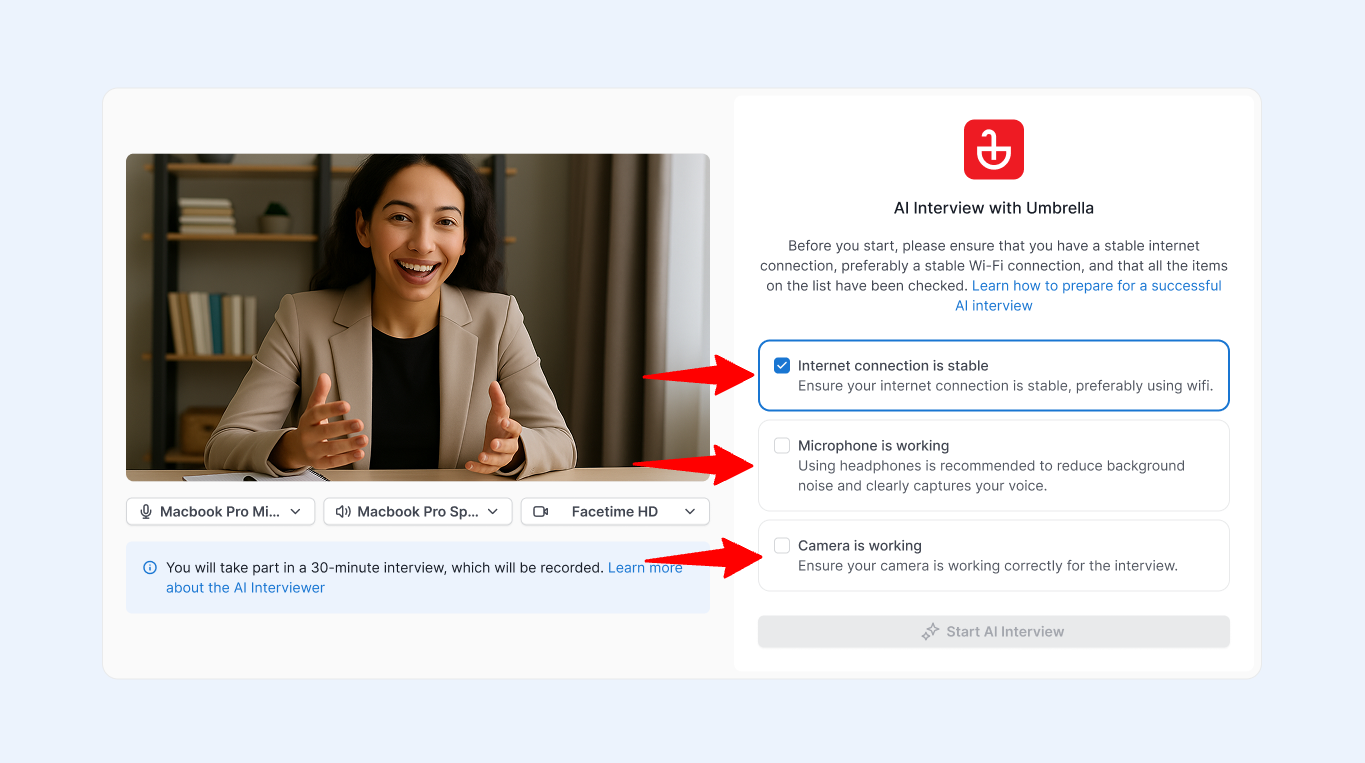
Before your interview begins, you'll see a quick setup screen. To ensure the best possible interview experience, you need to verify and check off the following three requirements:
-
Internet connection is stable: AI video interviews require a continuous data stream. We highly recommend using a reliable, secure Wi-Fi connection rather than cellular data to prevent audio delays or dropped sessions.
-
Microphone is working: Confirm your audio is being captured clearly. (Tip: Using headphones or a headset is strongly recommended to reduce background noise).
-
Camera is working: Ensure your camera is on, positioned at eye level, and your face is clearly visible.
Note- The "Start AI Interview" button will remain disabled until all three boxes are checked.
Performing the Interview
-
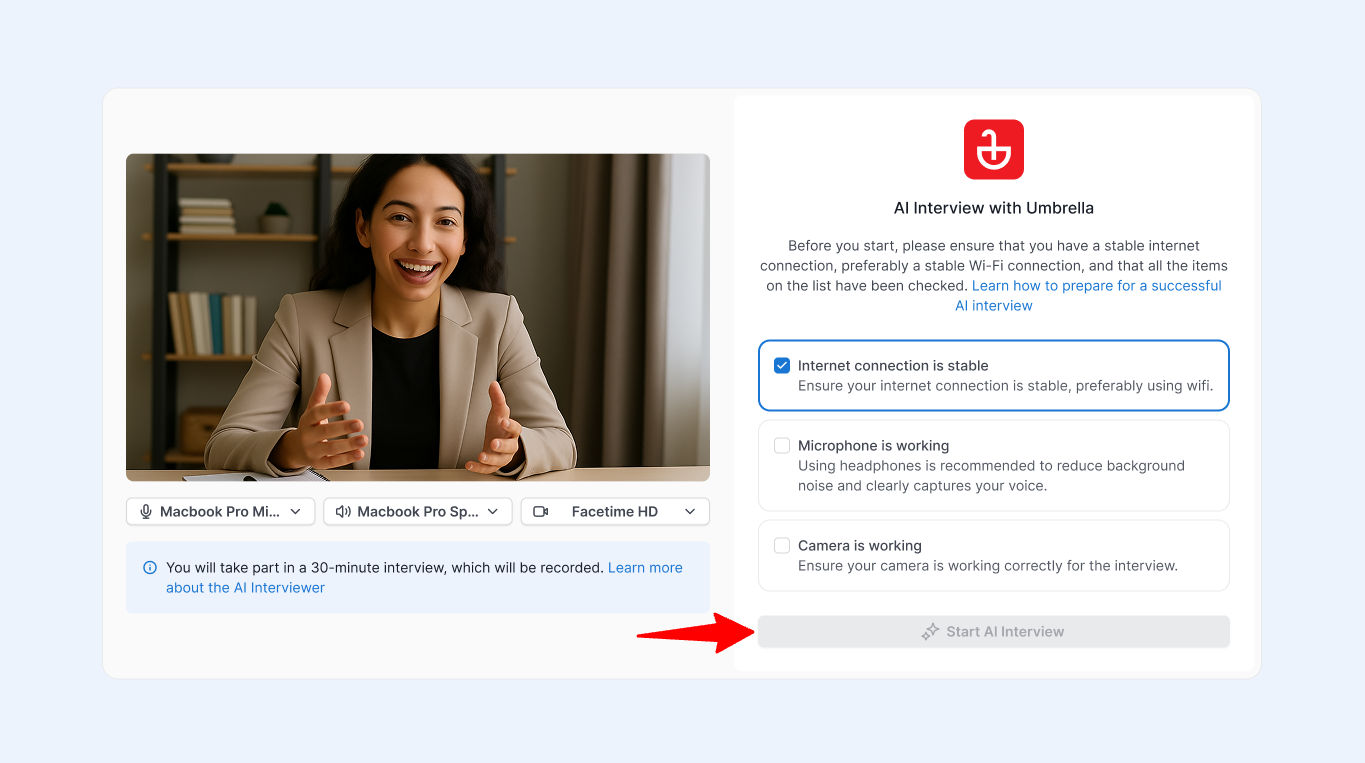
When you are ready, start the interview by clicking "Start AI Interview" and saying: "I’m ready."
-
The AI interviewer will then guide you through a structured, conversational interview for the role.
- You will answer a series of questions, similar to a traditional job interview.
- The interview typically lasts around 30 minutes.
- You can stop at any time by clicking the "End Interview" button.
- Once you are finished, your responses will be securely sent to the recruiter for review.
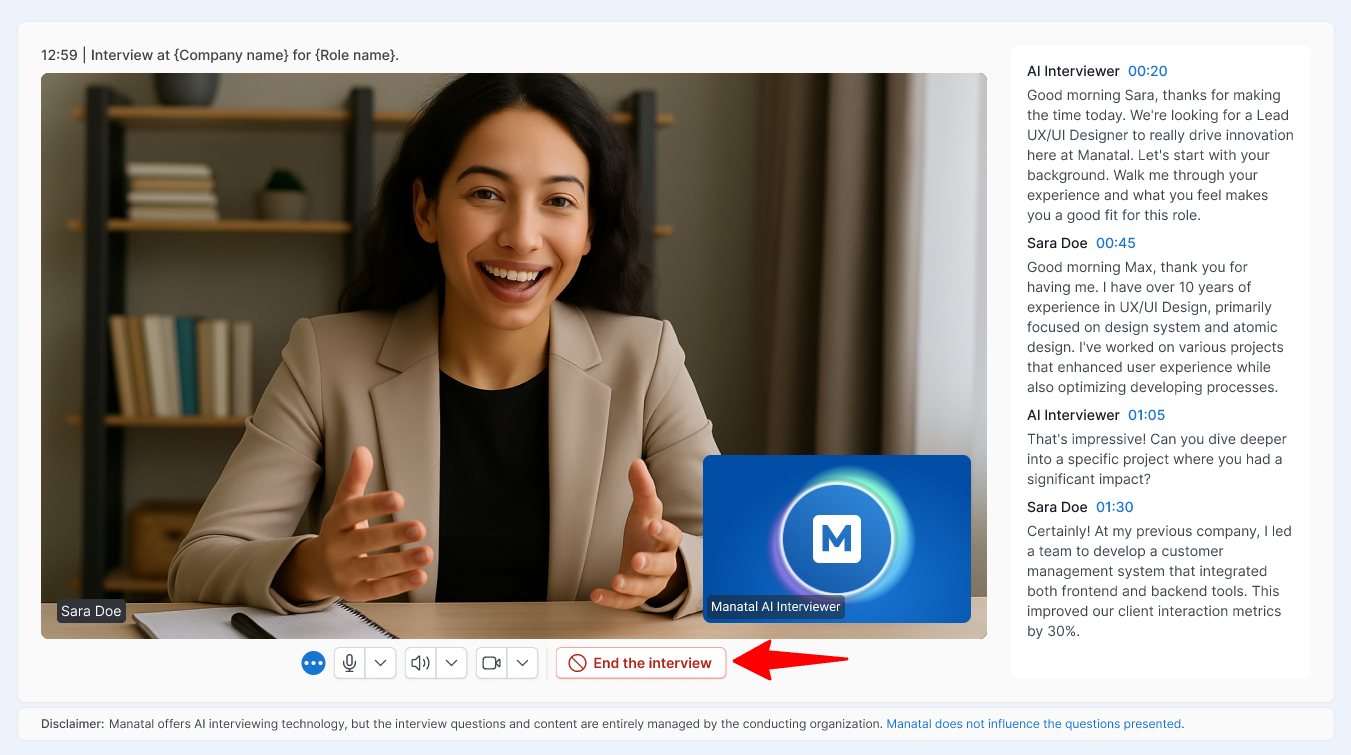
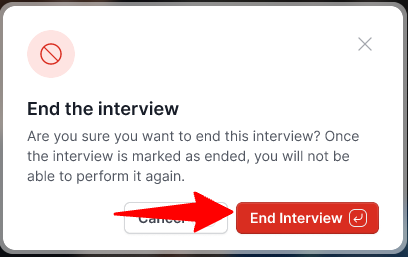
Network Stability Warning
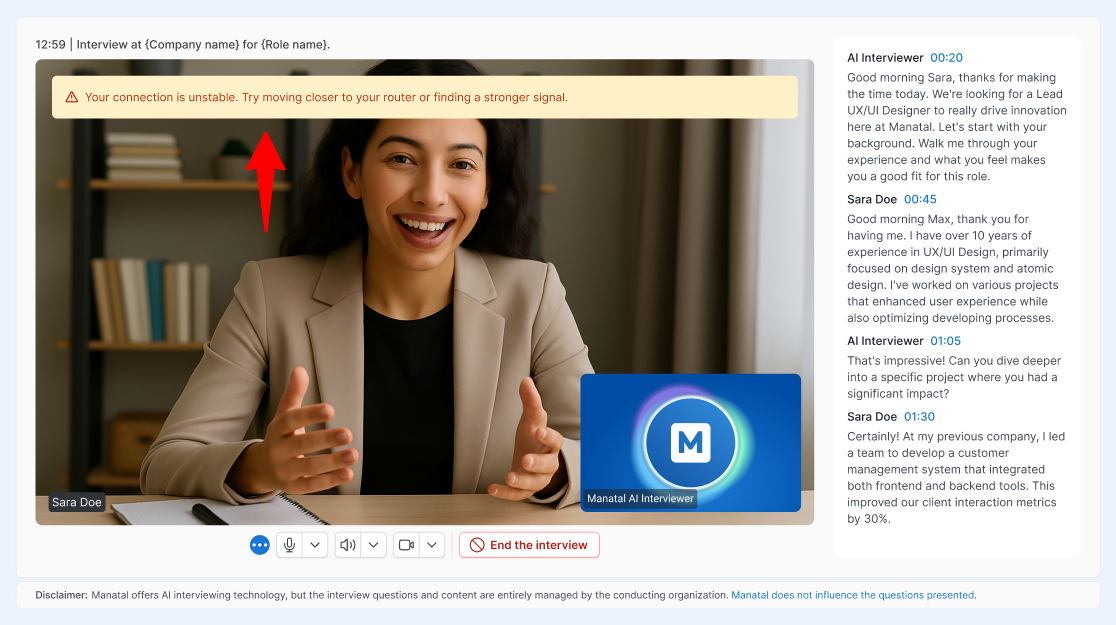
During your AI interview, the platform continuously monitors your internet connection. If your network becomes unstable, a yellow warning banner will appear at the top of your video feed with the following message:
"⚠️ Your connection is unstable. Try moving closer to your router or finding a stronger signal."
What to do if you see this warning:
- Take action: Try moving closer to your router or switching to a stronger network to avoid poor audio or getting disconnected.
- Wait for it to clear: The system regularly checks your connection in the background. Once your signal stabilizes, the warning banner will automatically disappear.
Reporting an Issue
If something is not working as expected during your interview, you can let us know without leaving or stopping the interview.
- Your interview keeps running while you report an issue. Close the window to go back to it at any time.
- You can report more than one issue during the same interview.
- On mobile phones and tablets, select the issue type and submit. The details box is only available on computers.
- Issue reporting is only available while the interview is in progress.
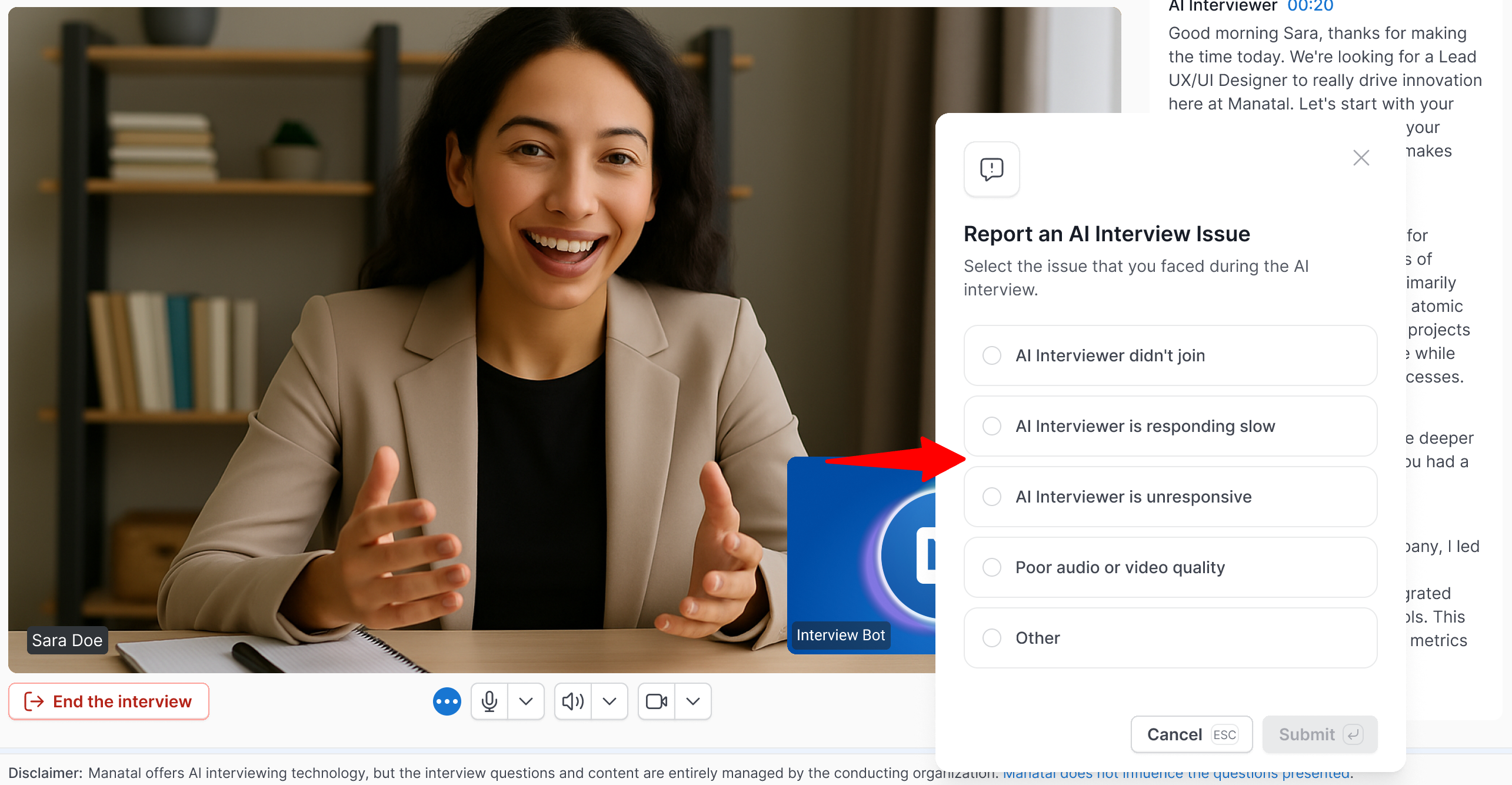
- Click "Report an issue" on the interview screen.
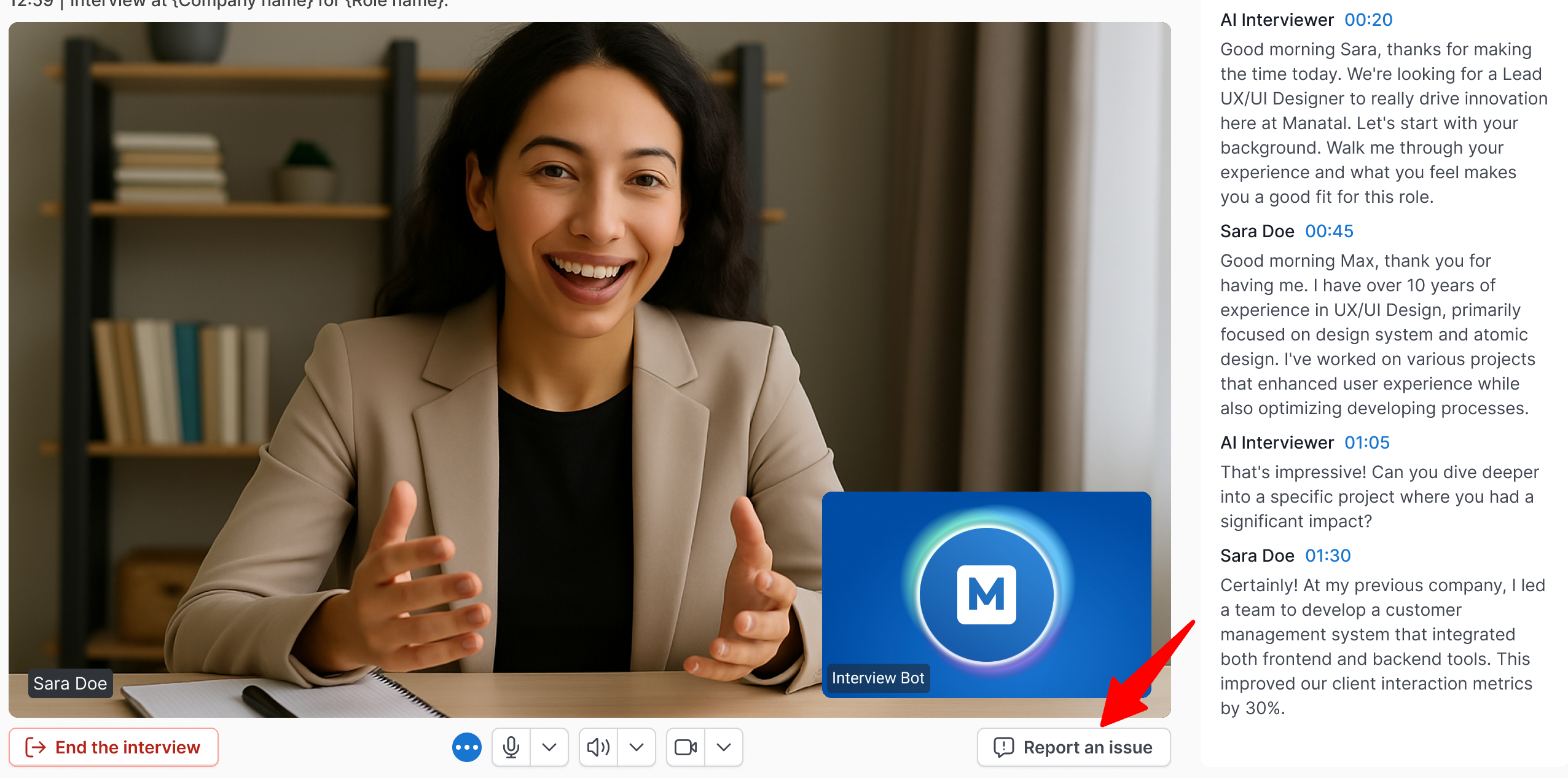
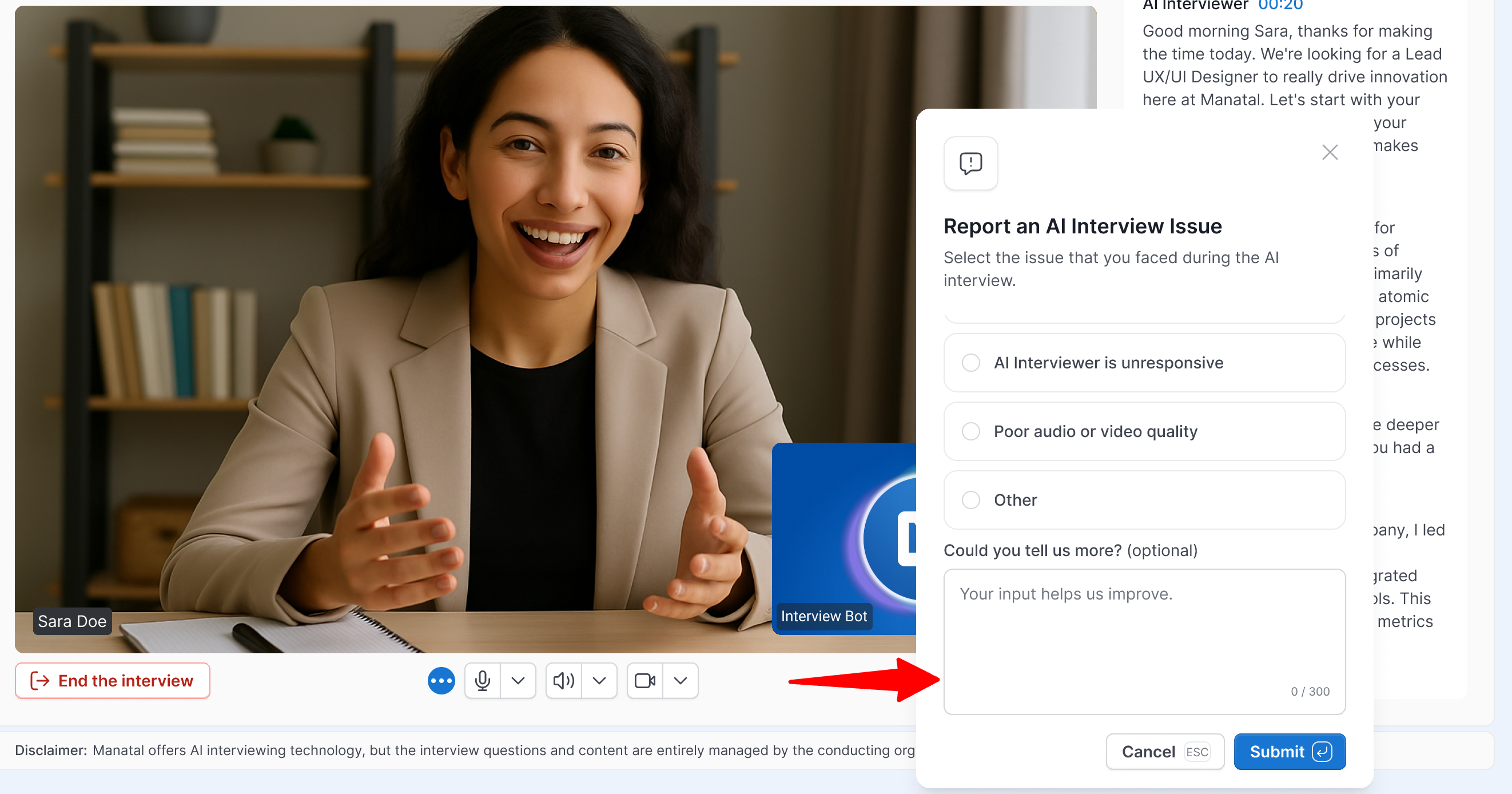
- Select the option that best describes the problem.
 Note
NoteOn a computer, you can add more details in the text box (optional, up to 300 characters).
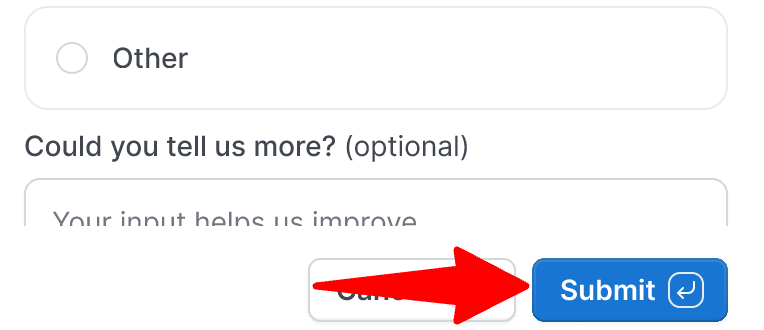
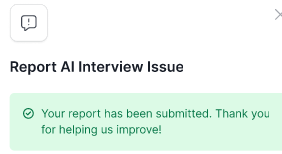
- Click "Submit". A confirmation message appears and your interview continues.
Interview Tips
- Be yourself. Treat the interview as a real conversation with a recruiter.
- Speak clearly and confidently. The AI will transcribe and analyze your answers.
- Ask for clarification. If you do not understand a question, say so. The AI can repeat or rephrase it.
- Maintain professionalism. Dress appropriately and stay focused.
- Prioritize your connection: Sit as close to your Wi-Fi router as possible. Close any background applications, tabs, or downloads that might be consuming your bandwidth before starting.
- Eliminate distractions: Mute your computer and phone notifications, and ensure you are in a quiet room.
If you feel uncomfortable or encounter an inappropriate question, please contact us at support@manatal.com. Manatal provides the AI interviewing technology, but the questions are managed entirely by the hiring organization.
Sharing Your Feedback
- Your feedback helps us improve the AI interview experience. It does not affect your application or how the recruiter evaluates your interview.
- Your interview is already with the hiring team at this point. This survey is optional, and your answers won't be shared with them.
- You can submit your feedback once per interview.
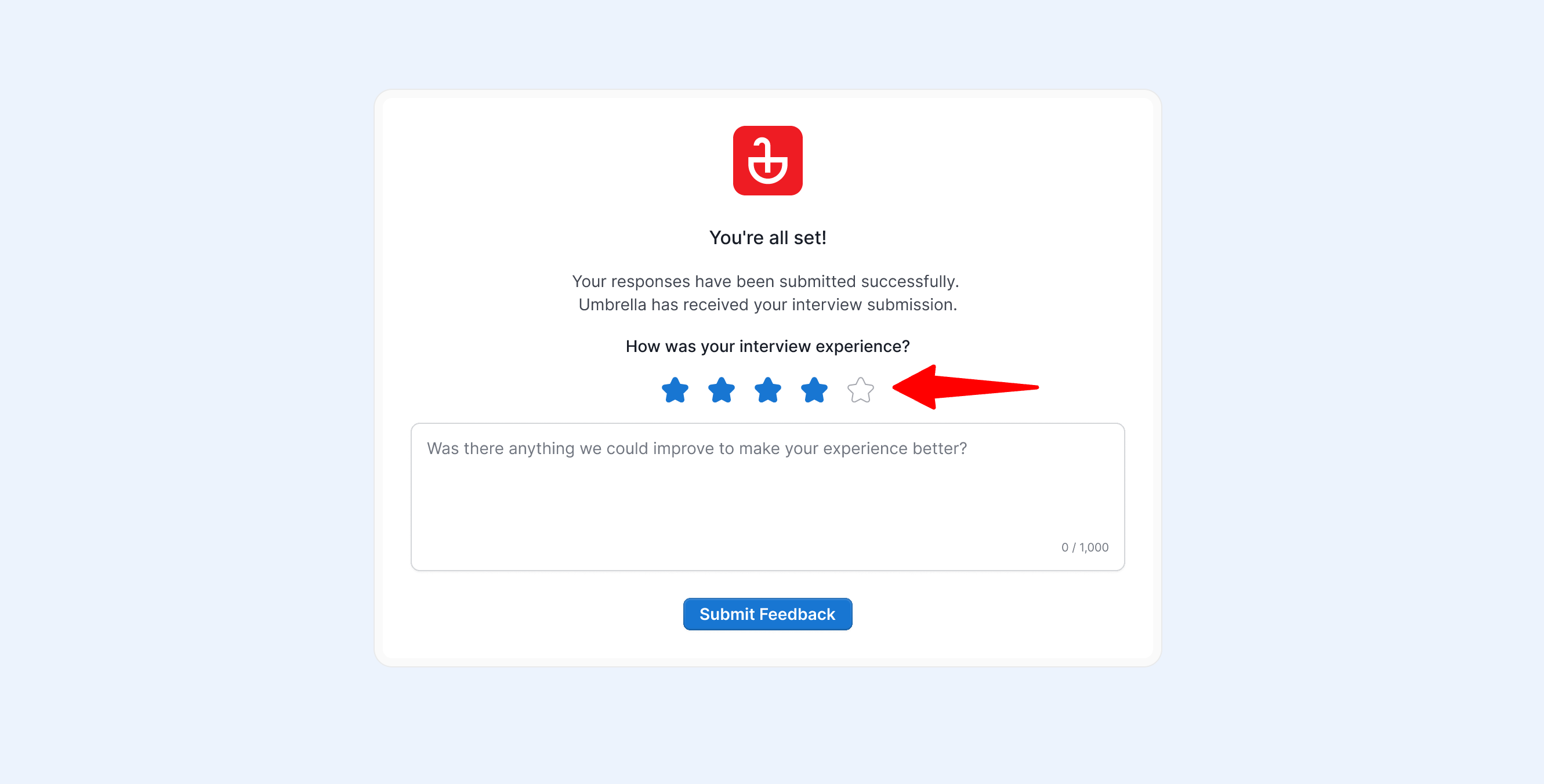
When your interview ends, you will be invited to share how it went. This is completely optional.
- Select a rating from 1 to 5 stars.
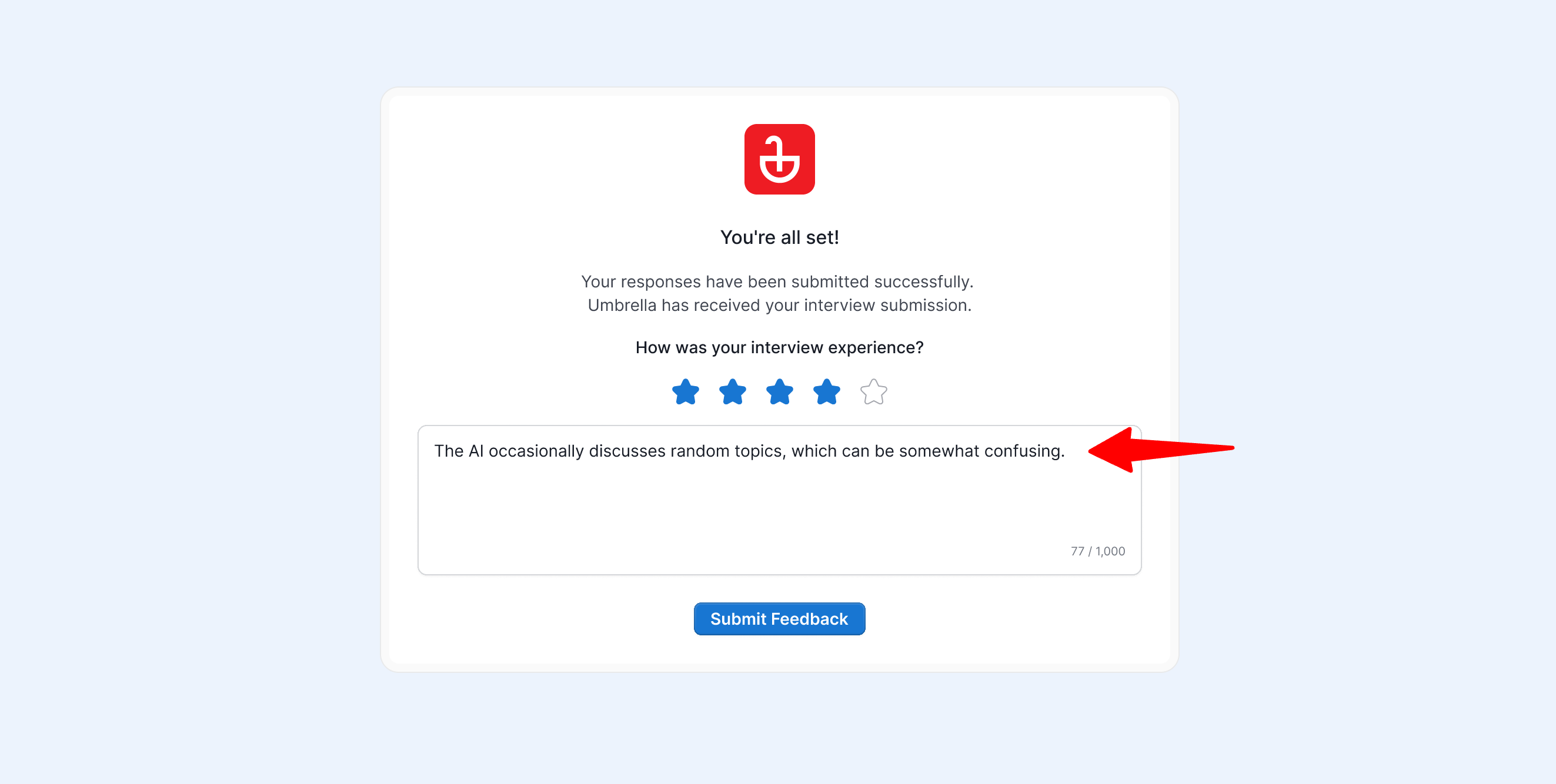
- Add a comment if you wish (optional, up to 1,000 characters).
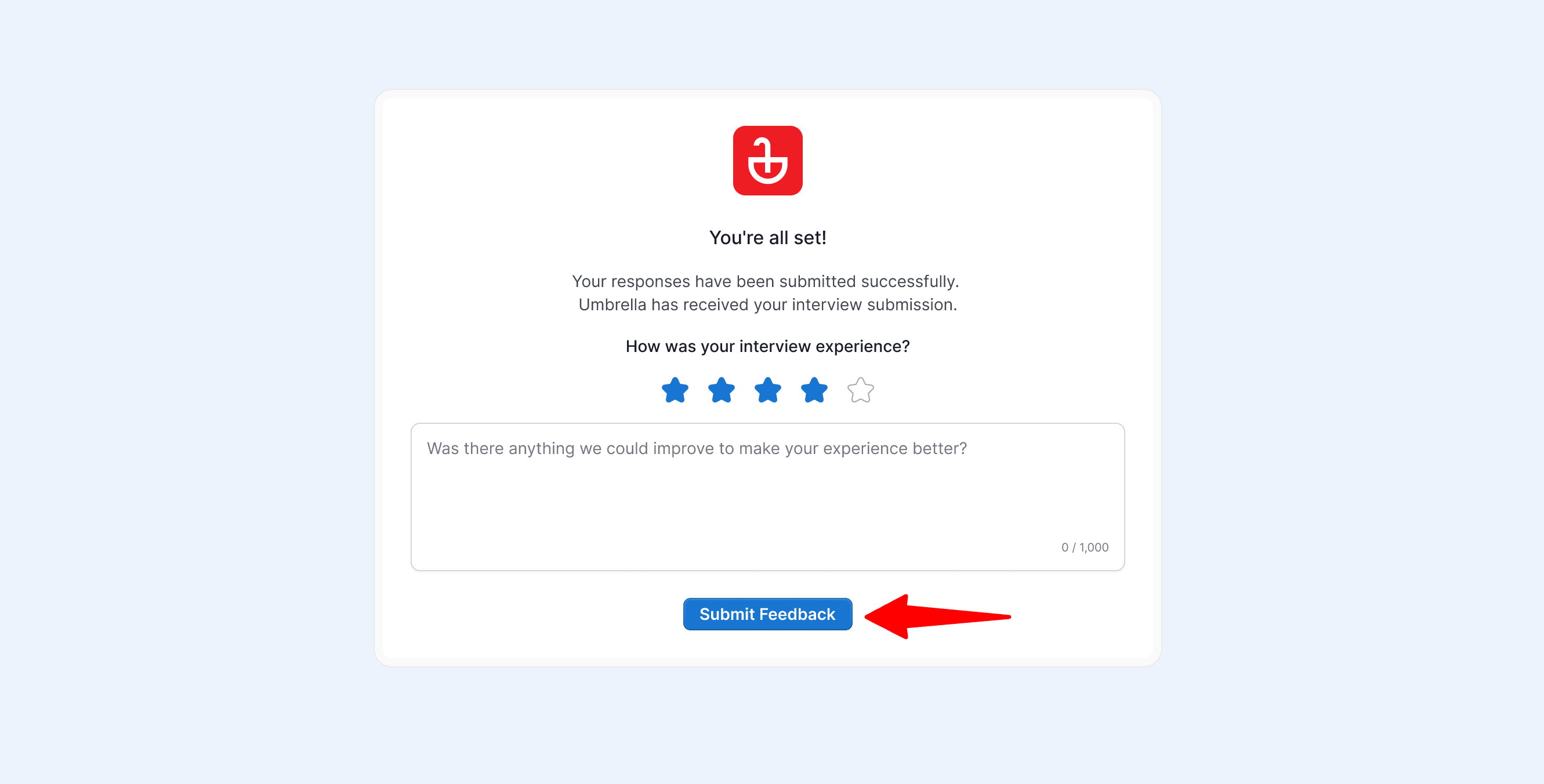
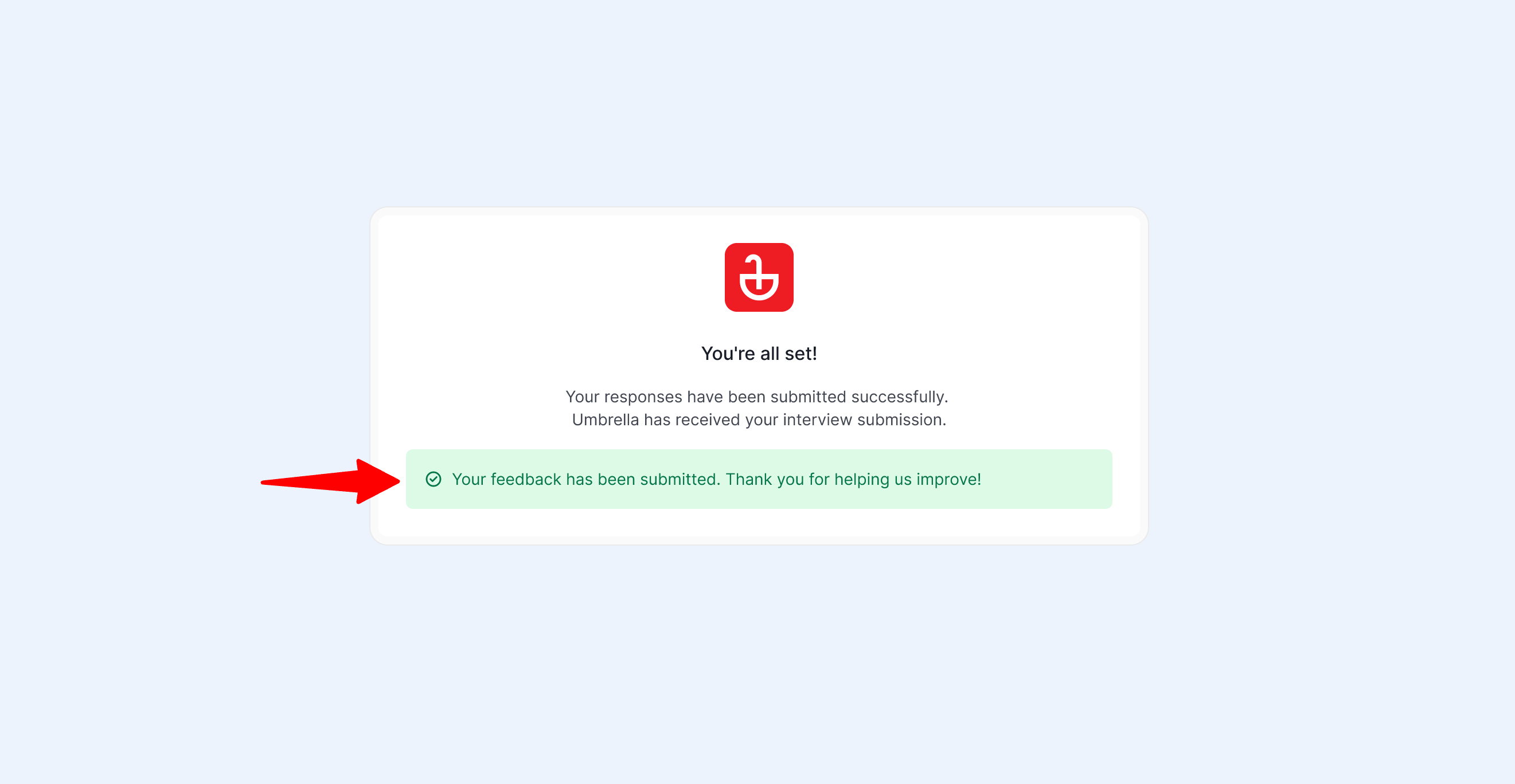
- Click "Submit Feedback". A confirmation message appears.
What Happens After the Interview?
After your interview ends:
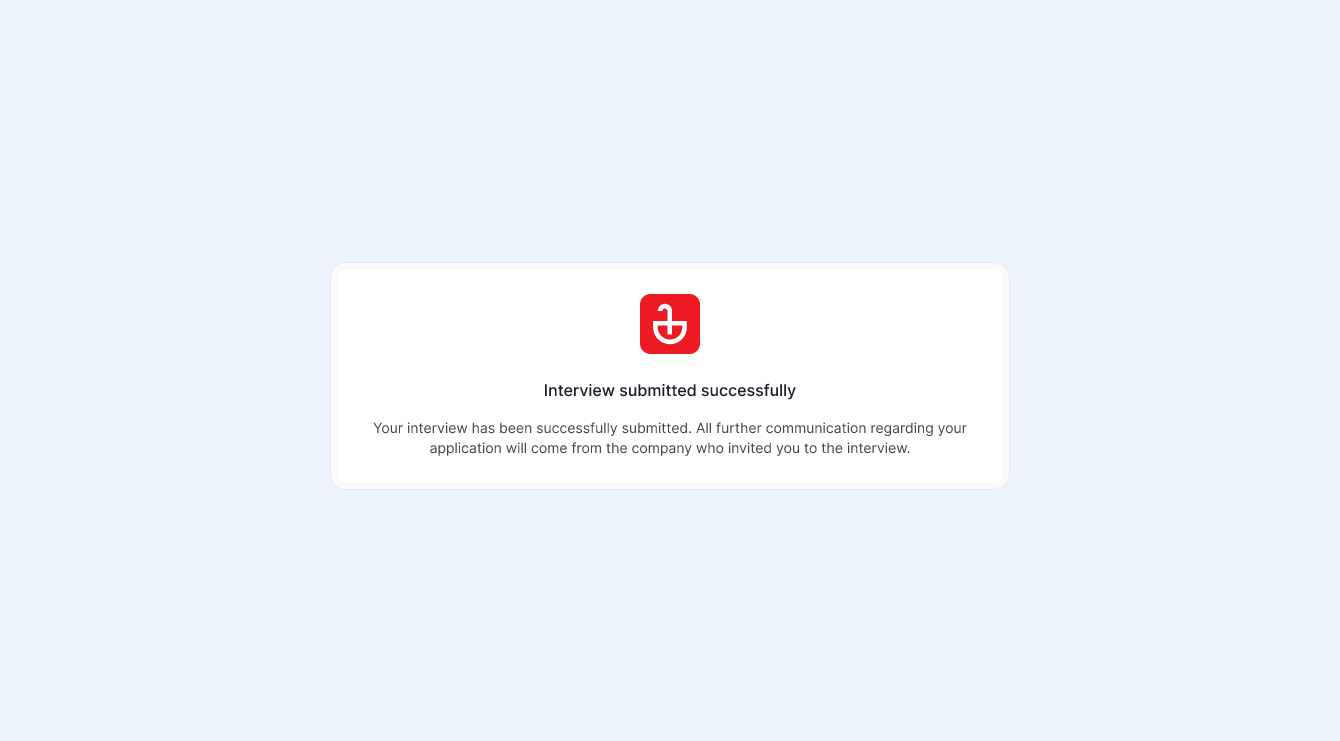
- Your video and responses are sent directly to the recruitment team.
- The recruiter will review and assess your answers.
- The recruiter may contact you for the next steps after their evaluation is complete.
- No further action is required from you after finishing the interview.
FAQ
-
How is my data handled?
Your data will be securely stored and used only to evaluate your application. By participating in the interview, you agree to share the interview video and transcript with the hiring company. Manatal is SOC 2 compliant and your participation is subject to our Terms and Conditions. -
Which browsers are supported?
We support standard browsers, including Chrome, Firefox, and Safari. -
What happens if I have a technical problem during the interview?
If you experience a connection, microphone, or camera issue, the interview will pause to allow you to reconnect. If you do not rejoin within 5 minutes, the interview will automatically end.
If the problem continues, click "Report an issue" on the interview screen to let us know. Refer to Reporting an Issue. -
How long do I have to complete the interview?
Your interview link does not have a technical expiration date. You can take it at your convenience. However, the hiring organization typically sets a submission deadline. Please refer to your interview invitation for the specific due date. -
Can I use a mobile device for the interview?
Yes, you can complete the interview on a mobile device.
This feature uses AI to support your recruitment workflow. AI outputs are meant to guide, not replace, your judgment. Outputs may not always be fully accurate or complete, we recommend reviewing them as part of your process. All final recruitment decisions remain your sole responsibility.